


If you’ve just started writing HTML, it probably feels.. slow. You type and opening tag. Then closing tag. Then you indent. Then you repeat the same thing again and again.
Nothing is hard, but everything feels extremely boring and manual. This is exactly the pain Emmet is designed to remove.
What Emmet is :
Emmet is a shortcut language for writing HTML. You don’t write full HTML markup. You write a short abbreviation, press a key (usually Tab or Enter), and your editor expands it into complete HTML.
Think of Emmet as:
I know what I want to create please write the boring parts for me.
Emmet doesn’t change HTML. It only helps you type it faster.
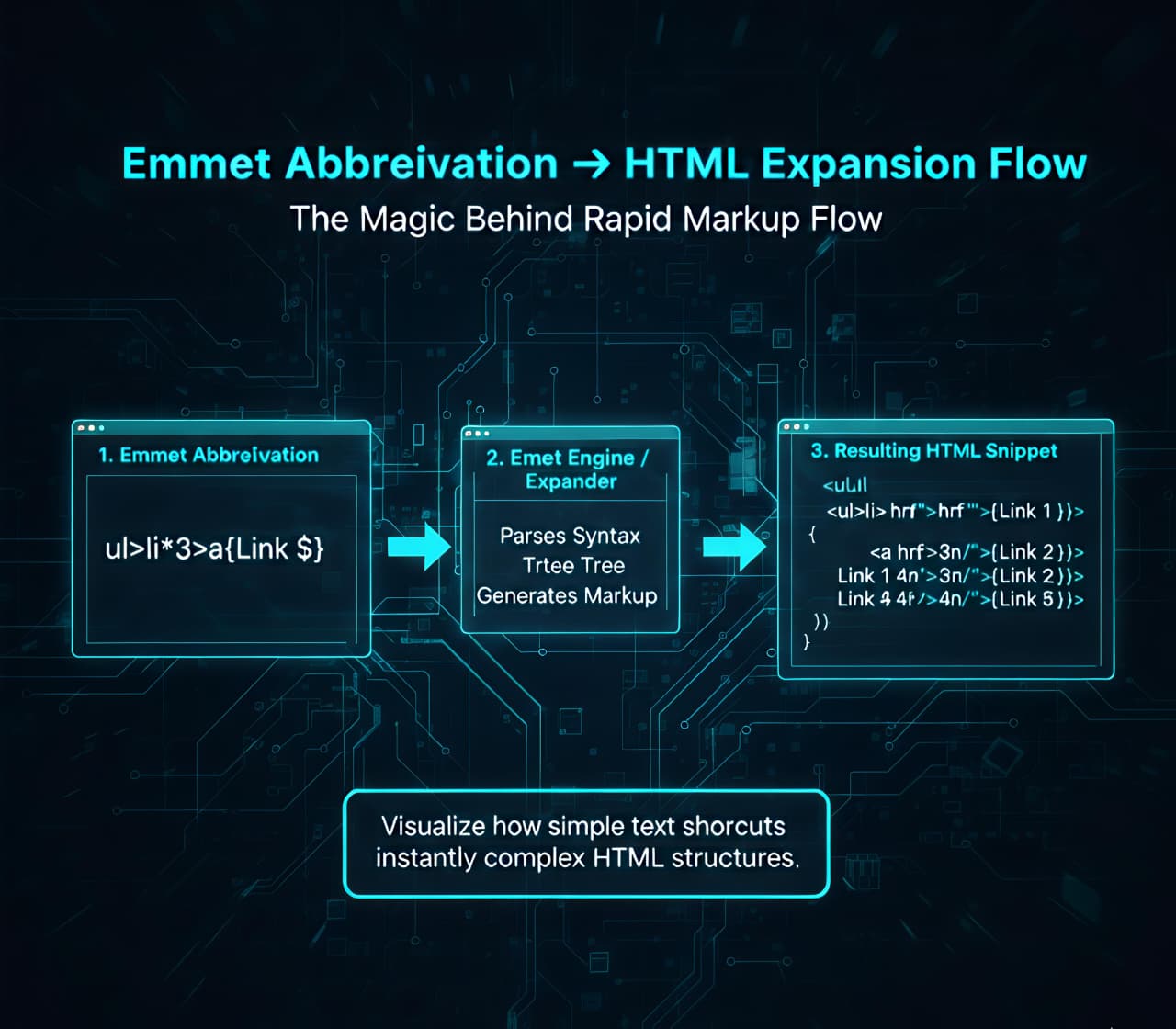
Why Emmet is Useful for HTML Beginners
When you’re learning HTML, speed is not about productivity it’s about focus. Without Emmet:
Your attention goes into syntax
You worry about missing closing tags
You lose track of structure
With Emmet:
You think in structure
You describe what you want
The editor handles the typing
This makes Emmet especially powerful after you understand tags and elements.
How Emmet Works Inside code Editors
Emmet is built into most modern editors:
VS Code (enabled by default)
WebStorm
Sublime Text
Atom
You type an abbreviation in an HTML file and press [Tab]. That’s it. No installation. No config. No magic.
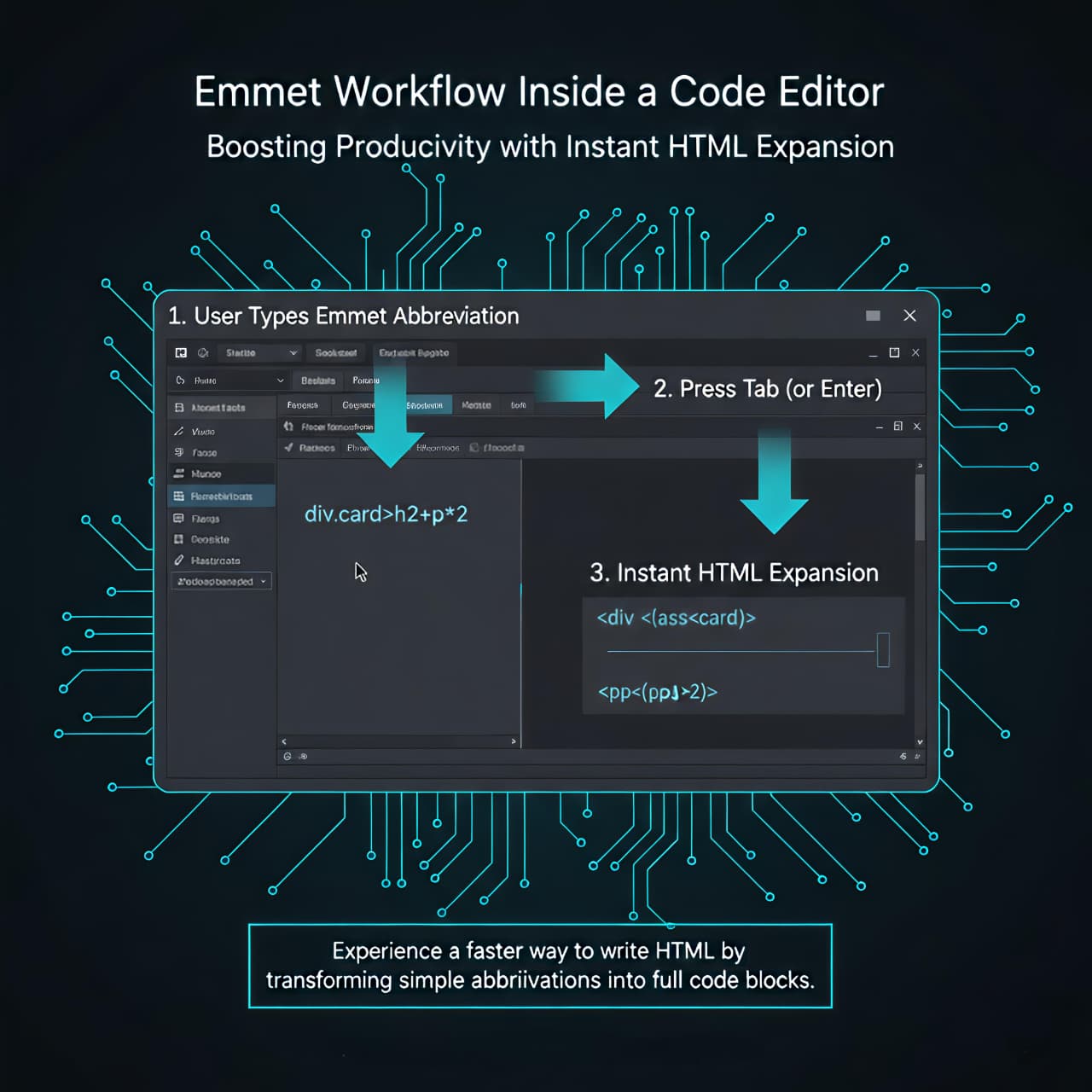
Basic Emmet Syntax (The Core Idea)
Emmet abbreviations look like CSS selectors, but they generate HTML. Let’s start small.
Creating a Single HTML Element
Emmet:
p
Expands to:
<p></p>
Another Example:
Emmet:
h1
Expands to :
<h1></h1>
You describe the element name, Emmet writes the full element.
Adding Classes, IDs, and Attributes
Classes
Emmet:
div.container
Expands to:
<div class="container"></div>
IDs
Emmet:
section#main
Expands to:
<section id="main"></section>
Attributes
Emmet:
a[href="/about"]
Expands to:
<a href="/about"></a>
This mirrors how you think about elements, not how you type them.
Creating Nested Elements
HTML is hierarchical. Emmet embraces that.
The > symbol means “inside”.
Emmet:
div>p
Expands to:
<div>
  <p></p>
</div>
Multiple levels:
Emmet:
div>ul>li
Expands to:
<div>
  <ul>
    <li></li>
  </ul>
</div>
You’re describing the tree, not writing the branches manually.
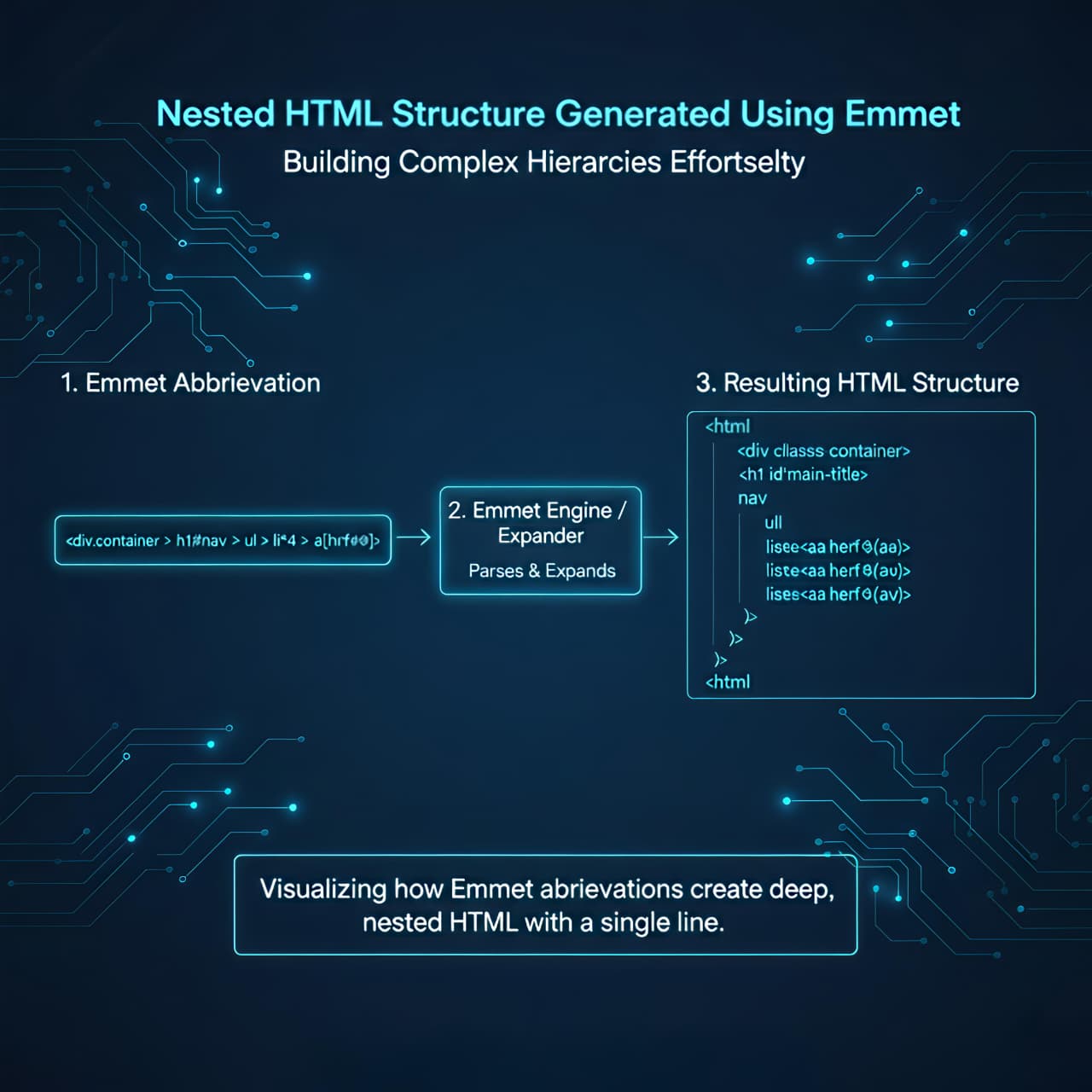
Repeating Elements Using Multiplication
Lists are repetitive. Emmet handles that cleanly.
Emmet:
ul>li*3
Expands to:
<ul>
  <li></li>
  <li></li>
  <li></li>
</ul>
This is one of the most used patterns in real projects.
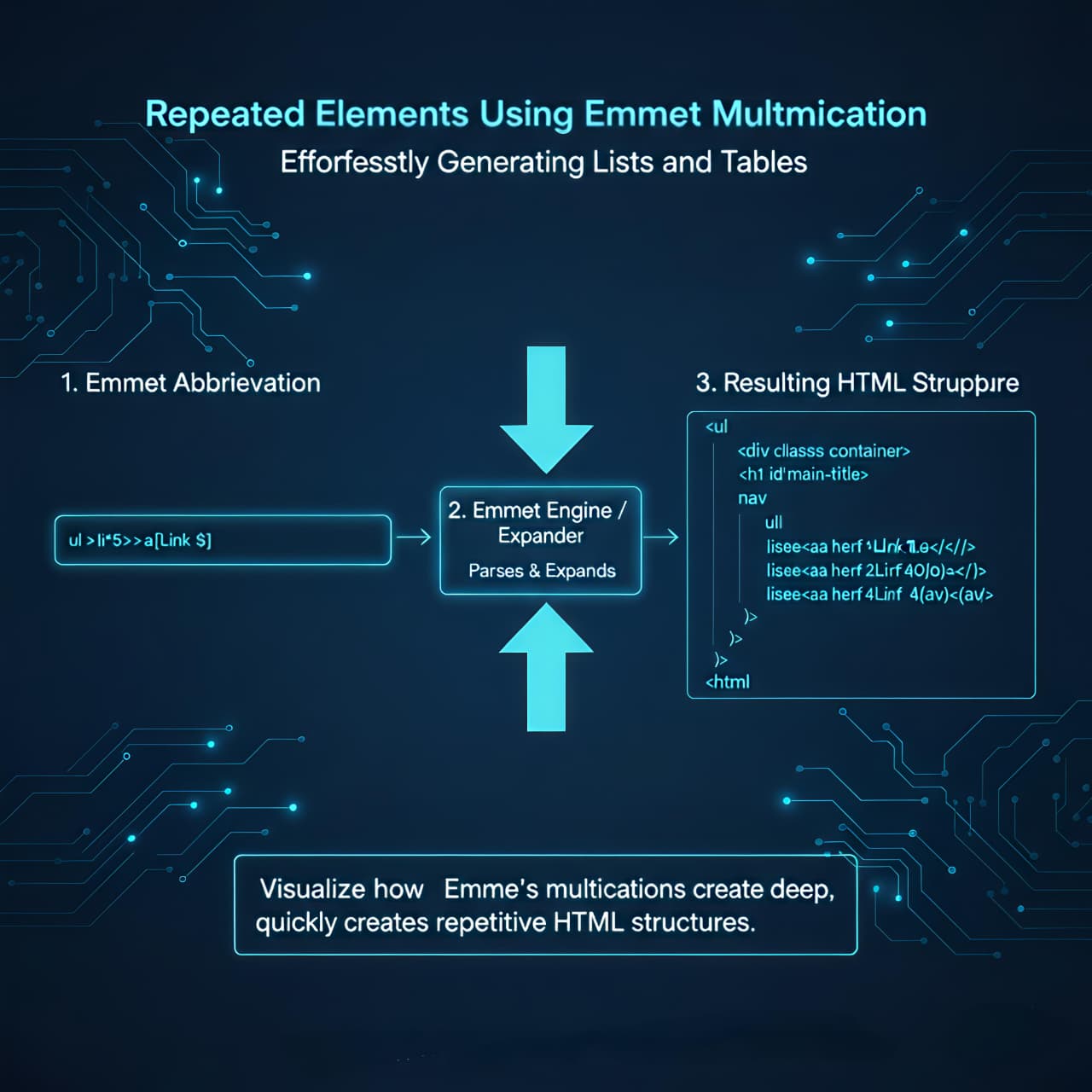
Combining Everything Together
You can mix structure, repetition, and classes.
Emmet:
div.container>h1+ul>li.item*3
Expands to:
<div class="container">
  <h1></h1>
  <ul>
    <li class="item"></li>
    <li class="item"></li>
    <li class="item"></li>
  </ul>
</div>
Notice what you’re doing here:
Thinking in layout
Expressing intent
Letting the editor handle syntax
Generating Full HTML Boilerplate
Emmet can also generate a complete HTML file.
Emmet:
!
Expands to:
<!DOCTYPE html>
<html lang="en">
<head>
  <meta charset="UTF-8" />
  <meta name="viewport" content="width=device-width, initial-scale=1.0" />
  <title>Document</title>
</head>
<body>

</body>
</html>
This is not about memorization it’s about starting clean every time.
A Quick Reminder About Emmet
Emmet is:
Optional
Editor-side
A productivity tool
You can write perfect HTML without Emmet.But once you’re comfortable with HTML structure, Emmet becomes one of those tools you don’t want to give up — because it keeps your attention on thinking, not typing.
Final Mental Model
HTML defines structure
Emmet helps you express structure faster
You write intent, Emmet writes markup
Browsers never see Emmet only HTML


